
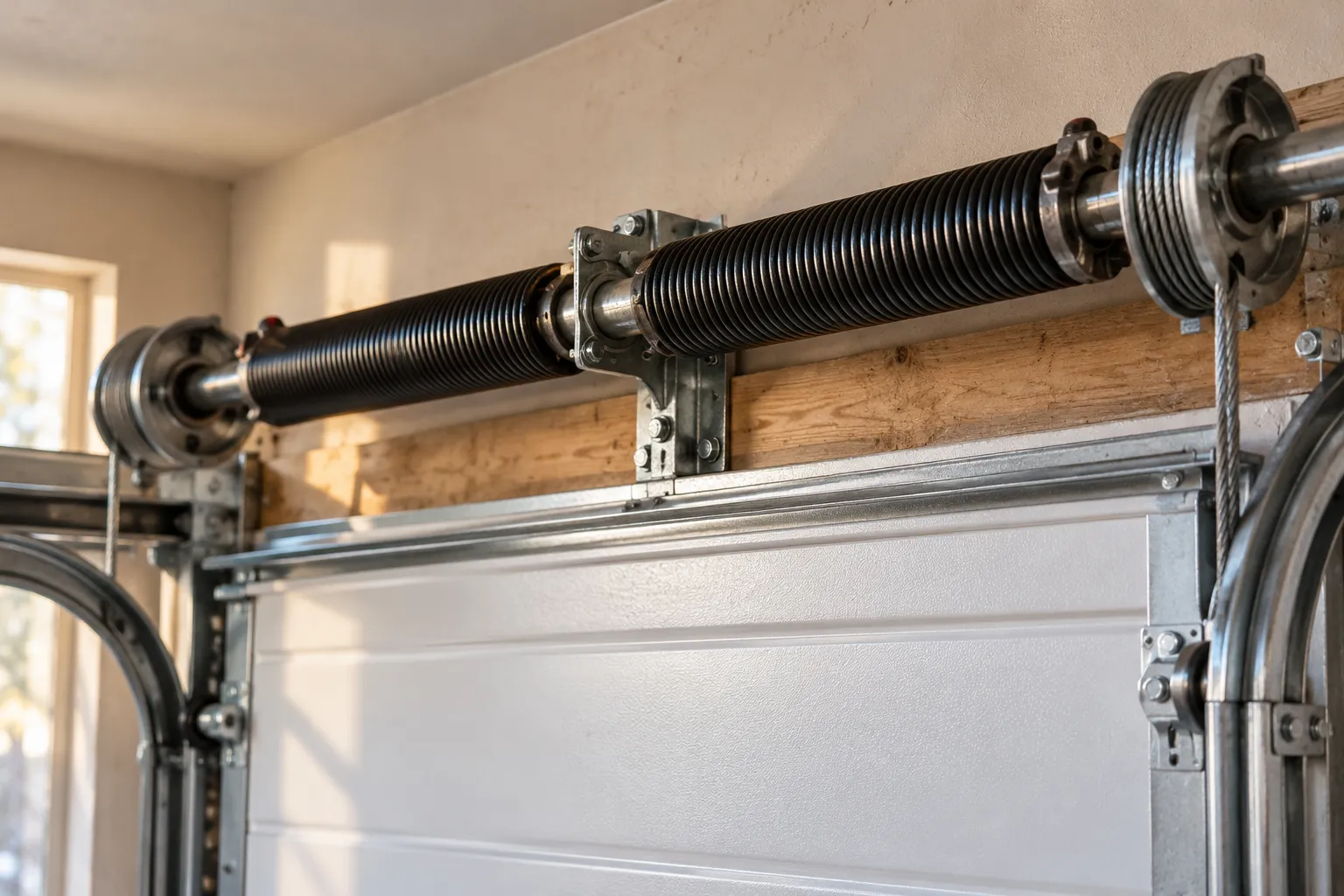
How long do garage door springs last in Central Texas?
A standard torsion spring is commonly rated for around 10,000 cycles. Here is how to count your own trips, spot a failing spring, and know when to call.
Before you buy a smart hub, look at the learn button on your opener. Here is what works with what, and when a new smart opener is the better buy.
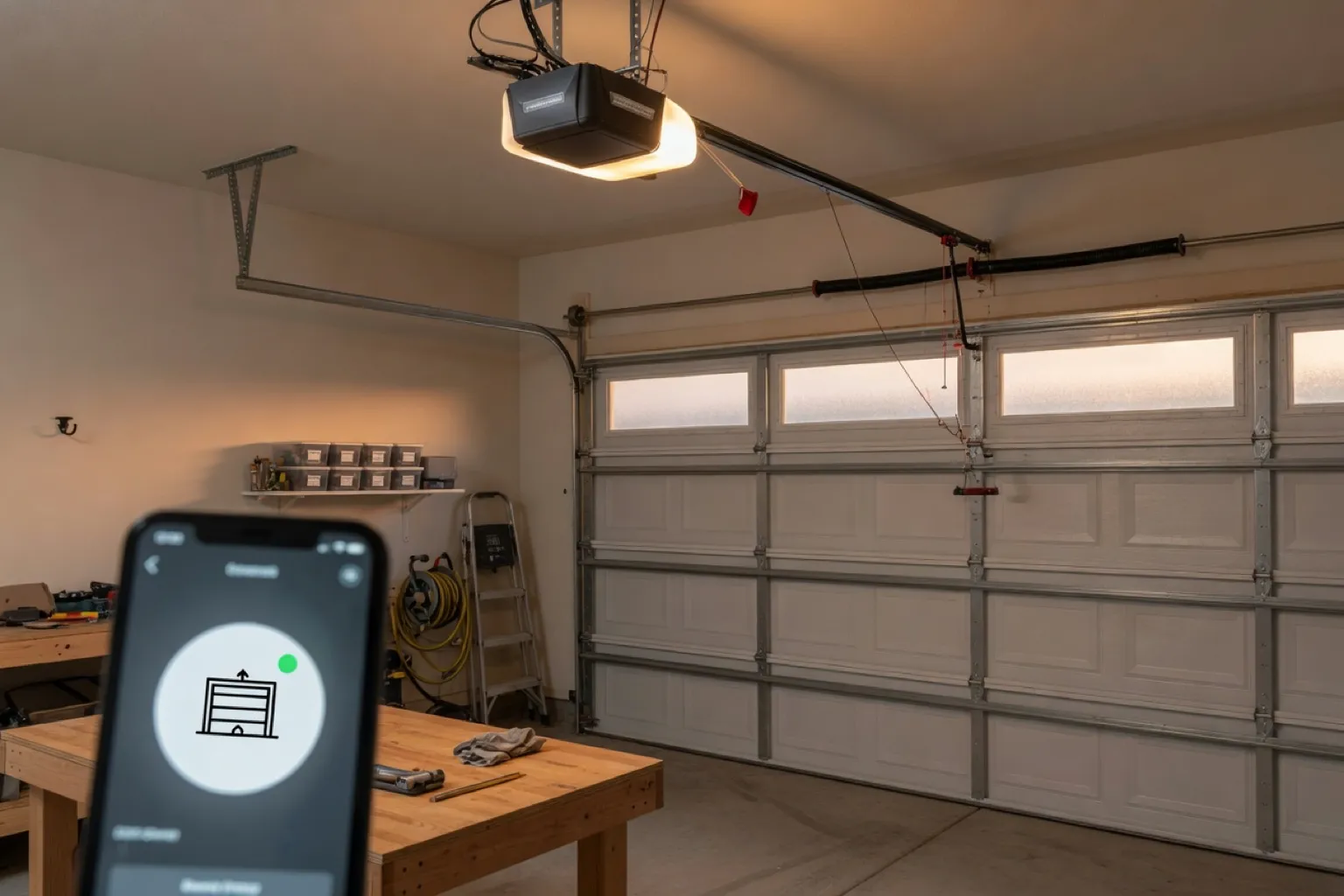
The most common smart-opener mistake we hear about is buying the hub first. Someone picks one up at a big-box store, spends a weekend on the app, and the door never moves. The hub was fine. The opener was the wrong kind for it, and one look at the motor head would have said so before they paid.
So here is what we tell people on the phone: look at your opener first, then shop. This post covers what “smart” gets you, the one thing to check on your opener, and when a hub is enough or a new opener is the better buy.
A smart opener puts your garage door on your phone. In plain terms, that means:
Which of these you get depends on the brand and model. Open, close and alerts are the common ones. A camera or a keypad that edits codes from the app is a feature of specific products, so we confirm before we sell it.
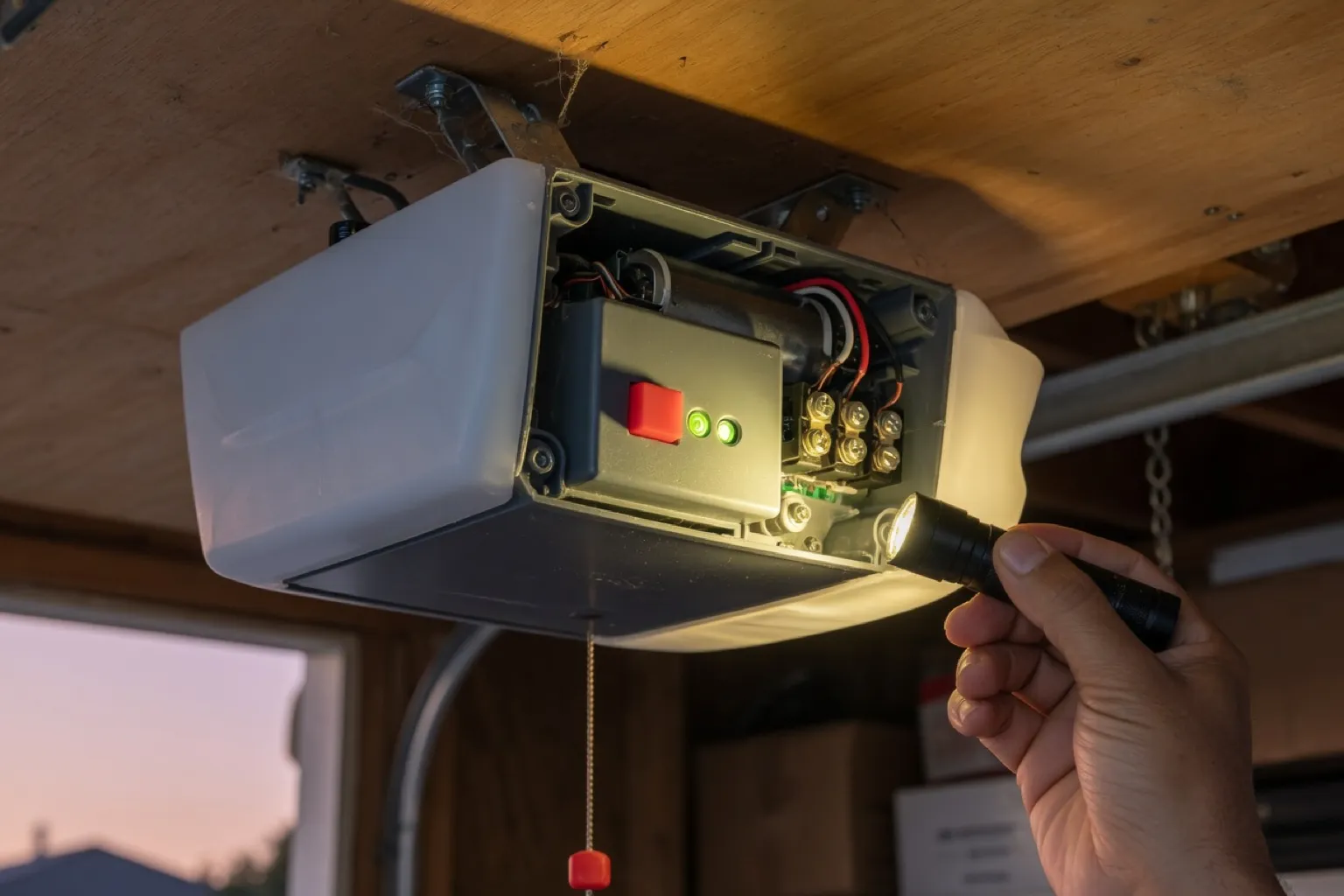
Every modern opener has a learn button. It is the small button you press to pair a remote, and its color tells us which hubs can talk to the opener. You will find it on the back or side of the motor head, often under the light cover. Pop the cover, use a flashlight, and note the color.
Here is what we can say, and no more than we can back up:
Brands such as Marantec and Sommer are monitor-only with the myQ hub. That list changes, so we check the maker’s compatibility page on the day.
If you can’t reach the opener or can’t read the label, call the office at (512) 777-0412 and we will walk you through it.
Most of the time the opener decides it. This is how we call it:
| Your situation | Our call |
|---|---|
| LiftMaster, Chamberlain or Craftsman, made after 1993, yellow, purple, orange, red or green button, sectional door, working photo eyes | Add a hub. It is the cheapest way to get phone control. |
| White learn button | Third-party hubs will not work. We use the maker’s own app and accessories. |
| Blue learn button, or DIP switches | Replace it. A hub can watch these openers but cannot move the door. |
| Loud, slow, failing, or the photo eyes don’t work | Replace it. Don’t put a new hub on an opener that is wearing out. |
| You want a built-in camera, lights or battery backup | A new opener that has them built in, or add them if your model allows. |
| The door is heavy, drags, or has a weak or broken spring | Fix the door first. No hub changes how a door lifts. |
That last row matters. A smart opener is still an opener. If the door is out of balance or a spring is on its way out, an app only lets you find that out from your phone. A tune-up and safety check is where we look at that.
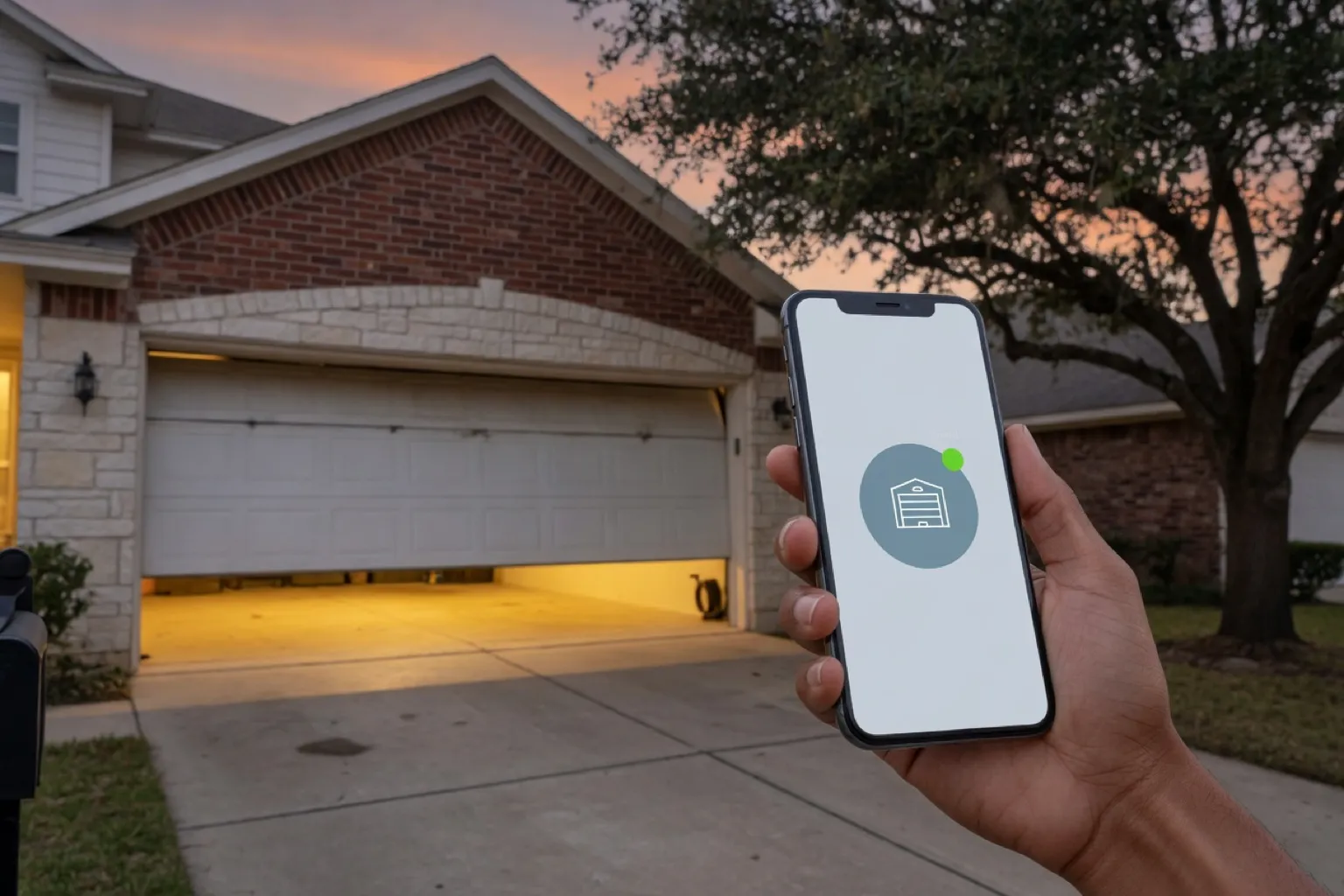
People ask us about Apple Home, Alexa and Google more than anything else. The honest answer is that it changes by brand, and it has changed more than once in the last few years.
| Platform | Voice and home apps | Worth knowing |
|---|---|---|
| myQ (LiftMaster, Chamberlain, Craftsman) | No Apple Home or Google control today | Chamberlain blocked third-party access in late 2023. The myQ app is the supported path. |
| Genie Aladdin Connect | Alexa and Google | We have not found Apple Home support. |
| Tailwind iQ3 | Apple Home, Alexa and Google | No monthly fee. Does not work with white-button openers. |
Check the maker’s current compatibility page before you buy. This changes, and a table in a blog post is only as current as its date.
Camera openers have a camera built into the motor head, with lights. Live view and alerts run in the maker’s app. Saved video is usually a paid plan, and the plans have changed, so look at the app before you commit.
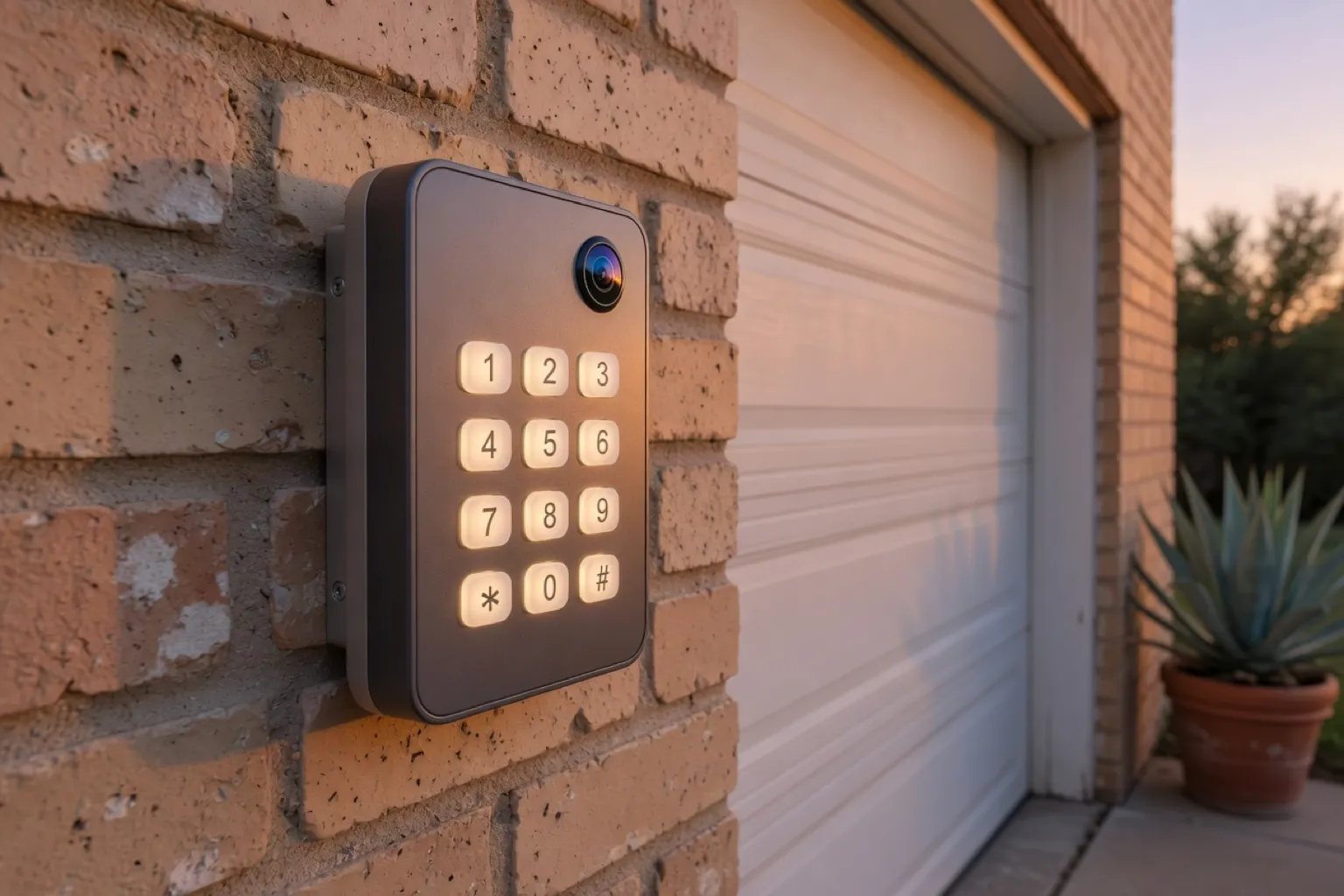
Smart keypads go outside the door. Some models let you add and remove codes from the app, so a guest or a driver gets their own. Not all do, so we confirm what each model does.
Package delivery. If you are a Prime member and your door already opens in an app like myQ or Aladdin Connect, Amazon Key can deliver inside the garage. Whether it covers your address is Amazon’s call. If your opener needs a hub to join the app, we can add one.
Battery backup. Summer storms around Round Rock and Austin knock the power out, and an opener with no backup stops when the power does. A battery lets it keep running through a short outage. The red release cord is always there too. Nothing requires a battery, so this is your call.
These are starting prices. We look at your opener, tell you what fits, and confirm the exact price in writing before any work begins.
The hub price is only for an opener the hub works with. If it won’t, we say so and price a new one.
Never tape over a photo eye to make a new gadget work. The eyes are what stop the door from closing on a kid, a pet or a bumper. If a smart device won’t work with the eyes on, the device is wrong, not the eyes.
What we check before the app goes on your phone
Then we set up the app on your phone, pair it, and open and close the door with you standing there. The Wi-Fi test matters more than people think. Signal fades at the garage wall, and a hub that can’t hear your router is a paperweight.
Look at the learn button, then decide. A compatible LiftMaster or Chamberlain with a yellow, purple, orange, red or green button usually takes a hub. A white button, a blue button, or an opener that is old, loud or failing is a reason to look at a new smart opener instead.
If you aren’t sure, call the office or book an opener installation visit and we will check the model before we sell you anything. If the opener you have is acting up first, start with opener repair. More on the smart opener page.
Dean
Starting prices, installed. Your exact price is in writing before any work starts.
Often, not always. It depends on the brand, the model, the learn button color and whether your safety sensors work. A hub on a compatible LiftMaster, Chamberlain or Craftsman opener is the cheapest route. On a blue-button or DIP-switch opener, a hub can only watch the door, not move it. We check your model first and tell you which case you are in.
Not directly, as far as we can confirm. Chamberlain ended its Apple Home bridge in 2022, ended Google Assistant support in 2023 and blocked third-party access in November 2023. The myQ app is the supported way in. Support changes, so check the maker's current compatibility page before you buy.
Openers with a white learn button use Security+ 3.0, and third-party hubs like Tailwind and Meross do not work with them. On those openers we use the maker's own app and accessories instead.
Basic open, close and alert control in the maker's app is free on many systems. Saved camera video usually costs a monthly fee, and the plans change, so check the app before you buy. We tell you what applies to your model.
Amazon Key in-garage delivery works for Prime members when your door already opens in an app such as myQ or Aladdin Connect. Amazon decides whether your address is covered, so availability varies. We handle the opener side.
A standard torsion spring is commonly rated for around 10,000 cycles. Here is how to count your own trips, spot a failing spring, and know when to call.
Open daily 7am to 8pm. After-hours emergency line. 304 E Main St #204, Round Rock.